
iPhone Battery Draining Fast? Simple Steps to Help It Last Longer
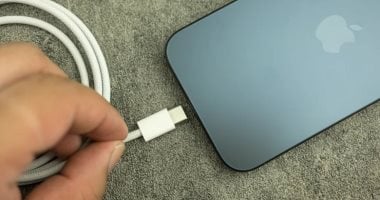
Rapid battery drain can be a frustration for iPhone users, particularly during heavy use. High screen brightness and apps or features running for extended periods can also contribute to a charge running out sooner than expected.
Reducing screen brightness is a simple place to start. Keeping the display at a comfortable level rather than maximum brightness can help cut power consumption during everyday use.
Users can also check the Battery section in Settings to see which apps are consuming the most power. Limiting time spent on power-hungry apps may help a charge last longer.
Reviewing background activity offers another way to manage battery use. Restricting Background App Refresh and unnecessary location access can reduce activity when apps are not actively being used.
Low Power Mode can help conserve charge by reducing some background tasks. Combined with more moderate use and lower screen brightness, it can help stretch battery life between charges.
This is an automated summary from the available headline and excerpt, not the full story or a claim of human review.
Latest Technology — refreshed every 30 minutes
News refreshes automatically every 30 minutes. Every headline opens inside Trend Masr.